
Google Play Store
Google Play Store is Google's digital distribution platform for Android, used to find, install and update apps, games and books.
101.1 MB

6.60.5-appgal · Appliqato · Page updated
Automatic Call Recorder by Appliqato is a free Android app that records phone calls automatically and lets you save, play back and share them.
Average 0.0 · ratings: 0
Thank you! Your rating is saved; you can change it. Could not save the rating. Please try again later. Too many ratings from your network today. Please try again tomorrow. The average appears after 5 ratings.
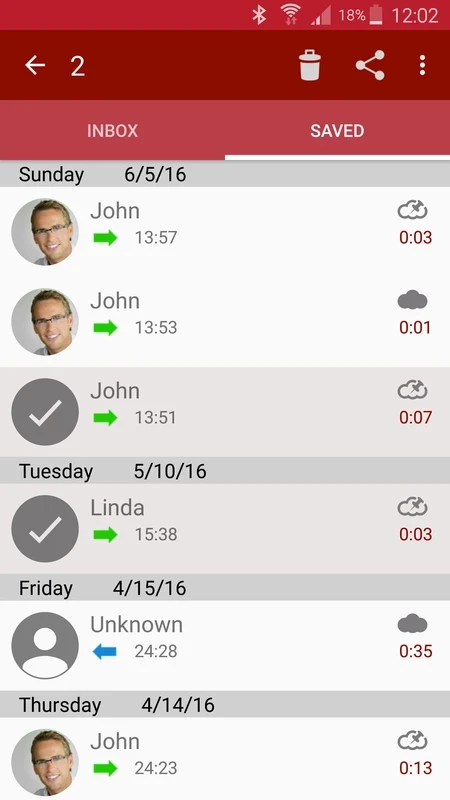
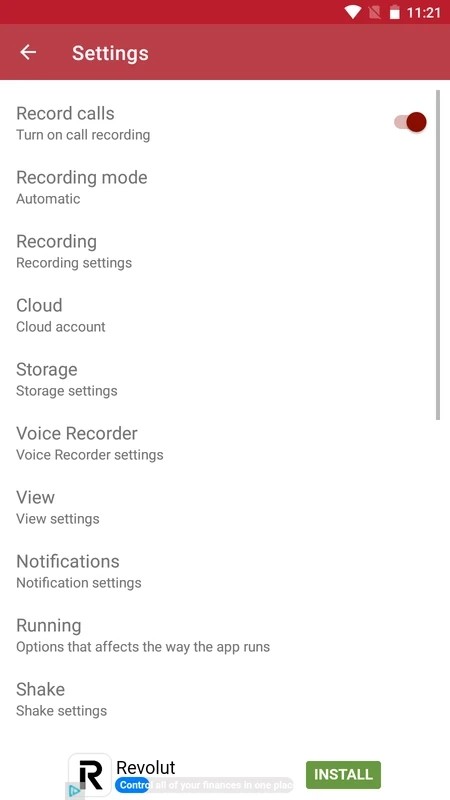
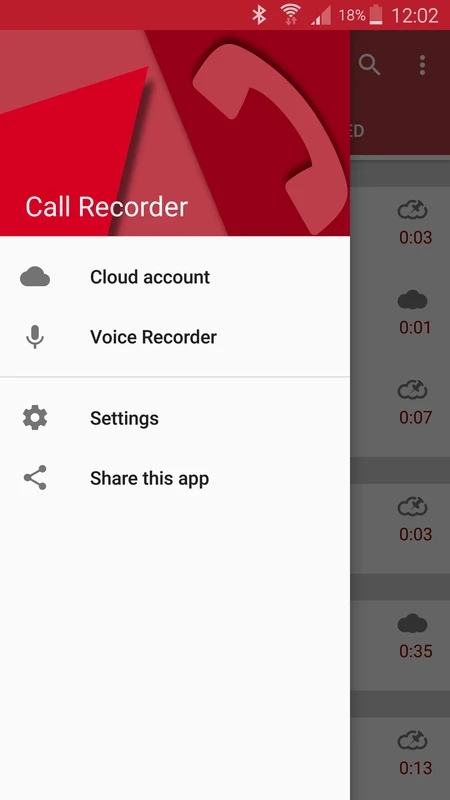
Automatic Call Recorder 6.60.5 is an Android app from Appliqato that records phone calls automatically and keeps the recordings in a list for playback, sharing or saving. The build listed here is the AppGallery edition (6.60.5-appgal). The app is free, and you can download Automatic Call Recorder for Android via the developer's website, appliqato.com, or your phone's app store.
Once set up, it starts recording whenever you make or receive a call, without you having to press anything. Recordings appear in an inbox where you can play them back, add a note, mark important ones to keep and delete the rest. Filters let you record everyone, nobody except selected contacts, or everyone except certain numbers. People use such apps to keep a record of orders placed by phone, instructions from a doctor or official, interviews for work, or simply to replay a conversation they could not follow in full. The recordings stay on the phone unless you choose to share them or back them up.
Android has become much stricter about call recording over the years. On many recent phones third-party apps can capture only your side of the conversation, or nothing at all, unless the phone maker provides its own recorder. Results depend on the model, the Android version and even the carrier. Test with a short call to a friend before you rely on the app for something important.
That depends on where you and the other person are. Some places allow recording if one participant agrees; others require everyone's consent, and recording without it can be a criminal offence. The simplest rule: tell the other person that the call is being recorded. Never publish a recording of someone without their permission.
Recordings are saved on the device, and long calls add up quickly. Delete what you no longer need and back up important calls to a place you control. The app itself is about 23.87 MB according to catalogue data.
Call recordings contain very personal information. Lock your phone, avoid syncing recordings to shared accounts and be careful with apps that request call access without a clear reason. Install call recorders only from official sources.
There is no other call recorder in our listings. Check first whether your phone's own dialer has a built-in recording option, which usually works more reliably than a separate app.
Google Play Store is Google's digital distribution platform for Android, used to find, install and update apps, games and books.

APKPure is a third-party app marketplace for Android that installs apps from APK files outside Google Play. This page covers version 3.20.7803.

Aptoide is an open-source alternative app store for Android, running since 2009. This page covers version 9.22.5.3.

QuickShortcutMaker is a small Android tool for creating home screen shortcuts to specific screens of installed apps, including hidden settings.